Chutney Librarian

Your Protein sounds now have a home on your computer.

Chutney Librarian

Your Protein sounds now have a home on your computer.
Chutney Librarian

Your Protein sounds now have a home on your computer.
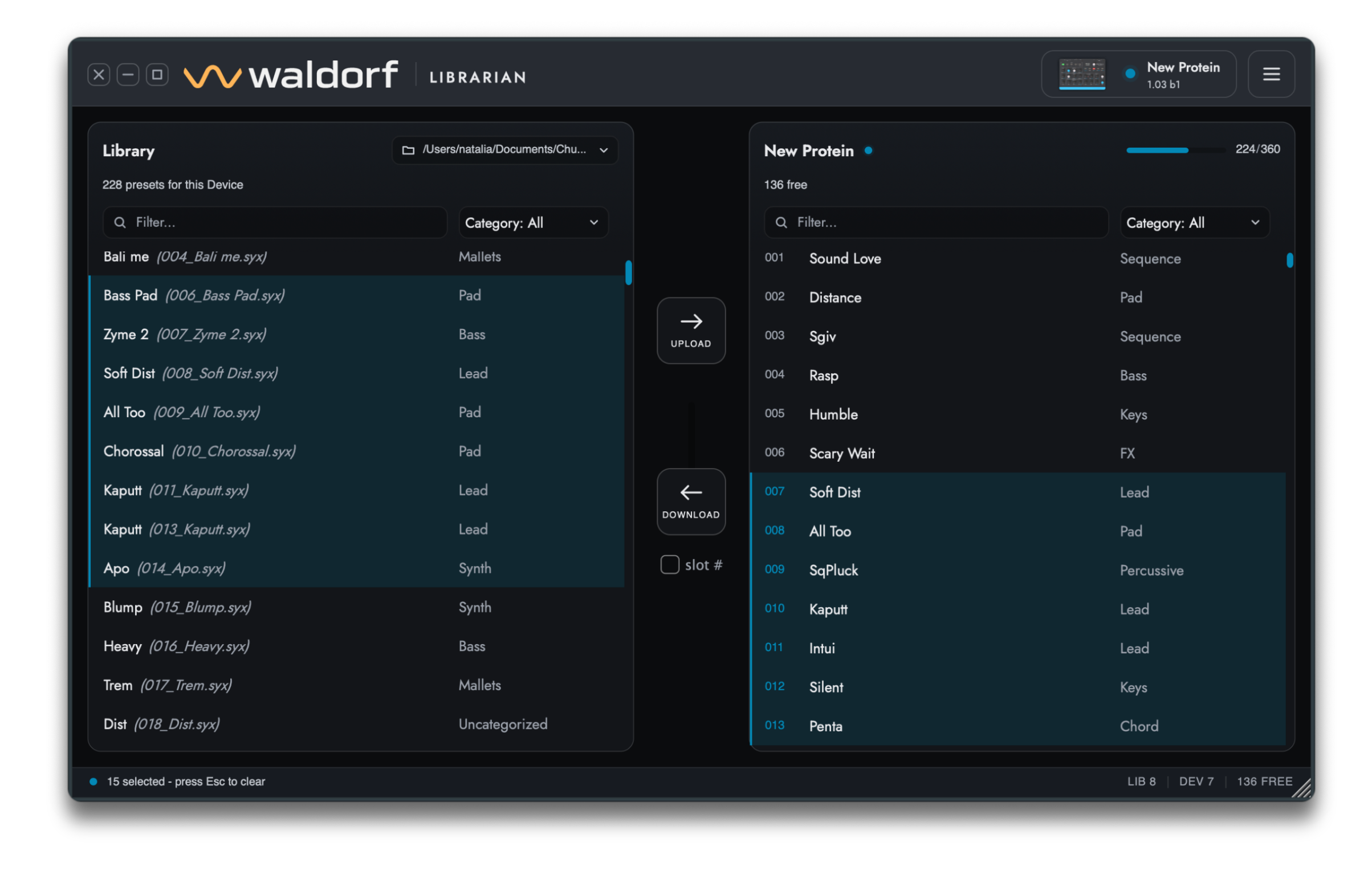
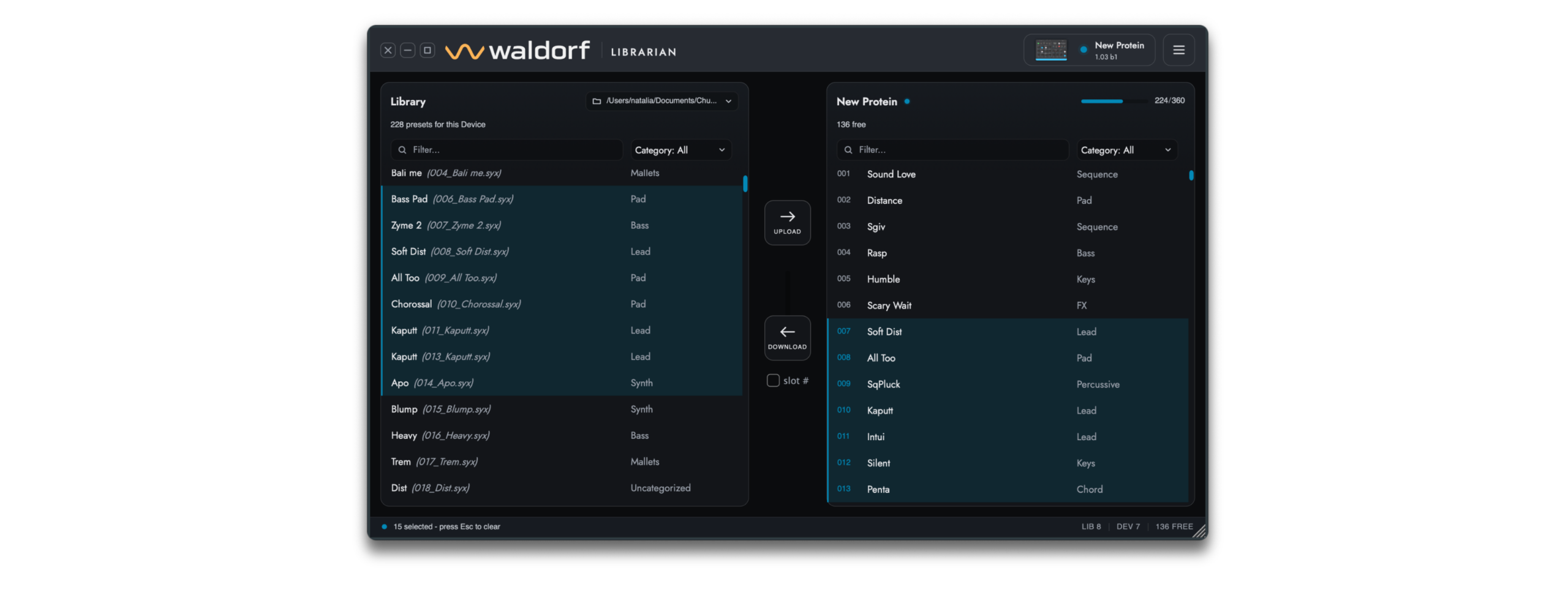
The Chutney Librarian is a free librarian that connects to Protein over USB MIDI. You can browse all 360 preset slots, back up your sounds and build a library on disk.

To move presets between your computer and the device, drag them from one side to the other. Rename, reorganize, delete and restore without menu-diving on the hardware.

It runs as a standalone app on macOS and Windows. Plug in Protein and the Librarian finds it automatically!

Attention! For the Librarian to work, make sure you have the latest firmware version installed on your Protein. You can always check for the latest available firmware in your “My Waldorf” account, under Hardware OS Updates & Files.

The Chutney Librarian is a free librarian that connects to Protein over USB MIDI. You can browse all 360 preset slots, back up your sounds and build a library on disk.

It runs as a standalone app on macOS and Windows. Plug in Protein and the Librarian finds it automatically!

The Chutney Librarian is a free librarian that connects to Protein over USB MIDI. You can browse all 360 preset slots, back up your sounds and build a library on disk.

To move presets between your computer and the device, drag them from one side to the other. Rename, reorganize, delete and restore without menu-diving on the hardware.

It runs as a standalone app on macOS and Windows. Plug in Protein and the Librarian finds it automatically!

Attention! For the Librarian to work, make sure you have the latest firmware version installed on your Protein. You can always check for the latest available firmware in your “My Waldorf” account, under Hardware OS Updates & Files.

To move presets between your computer and the device, drag them from one side to the other. Rename, reorganize, delete and restore without menu-diving on the hardware.

Attention! For the Librarian to work, make sure you have the latest firmware version installed on your Protein. You can always check for the latest available firmware in your “My Waldorf” account, under Hardware OS Updates & Files.